Getting filament colour to survive the camera
3D printing sellers · July 10, 2026 · 4 minute read
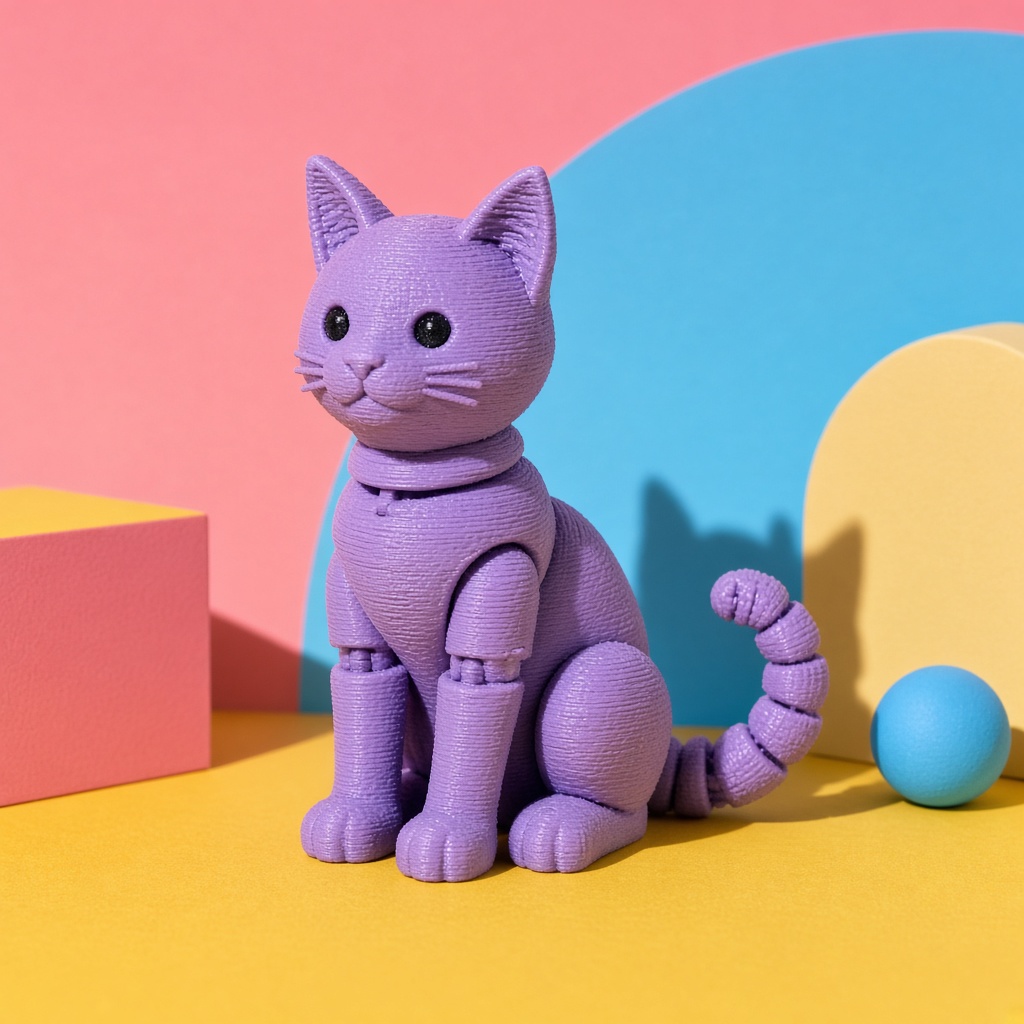
A buyer orders a print in sage green and receives something they would call mint. Nothing was misrepresented deliberately, the filament is what the spool says it is, and the photograph genuinely looked sage on your screen.
Colour drift is the second most common source of print disputes after size, and unlike size it cannot be fixed with a measurement in the description.
Where the drift comes from
Three things move colour between the object on your bench and the image on a buyer's phone.
Your light has a cast. A warm workshop bulb pushes greens toward yellow; a cool LED pushes them toward blue. Since printers live in workshops and workshops have functional lighting, this is the biggest single contributor.
Your camera is guessing. Auto white balance sees a frame dominated by one colour and compensates for it, which shifts the very colour you are trying to record. A frame filled with a green print will often come out less green than the object, because the algorithm assumed the scene was lit by green light.
Your phone is enhancing. Saturation boosts are applied by default, so a muted sage frequently arrives on screen as something considerably more vivid.
Fix the light first
Turn off everything except one source, and pick a neutral one if you can. Daylight from a window during the day is the easiest neutral available.
Mixed light is worse than bad light. A print lit by a window on one side and a warm bench lamp on the other has two different colours on two different faces, and no correction can separate them.
Lock the white balance
If your camera app has a professional mode, set white balance manually to match your source — roughly 5500K for daylight, 3000K for a warm bulb — rather than letting it decide per shot.
This does two things. It stops the algorithm from compensating away the colour you are recording, and it makes every print in a session consistent with every other, which matters when a buyer compares two colourways in your shop.
Put a white reference in frame
The cheapest accuracy tool available is a sheet of printer paper.
Include it at the edge of one frame per session. If the paper looks white in the photograph, your colours are approximately right. If it looks cream or blue, everything else is shifted the same way and you know what to correct. Crop it out afterwards.
For sellers with large colour ranges, this is worth doing every session, because your bulbs shift as they age and daylight shifts through the day.
Silks and multi-colour need extra care
Silk filaments have a metallic sheen that reads very differently depending on angle. A silk copper print can look bronze, gold or brown in three photographs taken minutes apart, all of them accurate to what the camera saw.
For these, photograph from the angle a buyer will most likely view the object, and consider a second image from a different angle so they can see the range. Describe it as shifting rather than as one colour.
Multi-colour and AMS prints have a related problem: the colour boundaries are the product, and a soft photograph blurs them. Get in close and get focus right on the transition.
Name the filament in the description
A practical hedge that costs nothing. Stating the brand and colour name — "printed in PolyTerra Sage" — lets a buyer who knows filaments verify against something objective, and signals that you are not guessing.
It also gives you a defence if a dispute arrives: the object is the stated filament, photographed under stated conditions.
What restaging does with colour
Colour is preserved from your reference photographs rather than reinvented, which is exactly what you want here. A print photographed with accurate colour stays accurate through staging; the scene changes the surroundings and the light falling on the object, not the object's own colour.
The corollary matters as much: a print photographed under a warm workshop bulb goes into staging with a warm cast and comes out with one. The white balance work has to happen at capture, and it is the fifteen seconds that prevents the dispute.