Jewellery makers
Small, shiny, and impossible to photograph on a phone.
Metal reflects the room, the phone and your own hands. Get the piece on black, on a mirrored surface, or held for scale, without owning a light tent.
Sized and staged for Etsy · Instagram · Shopify
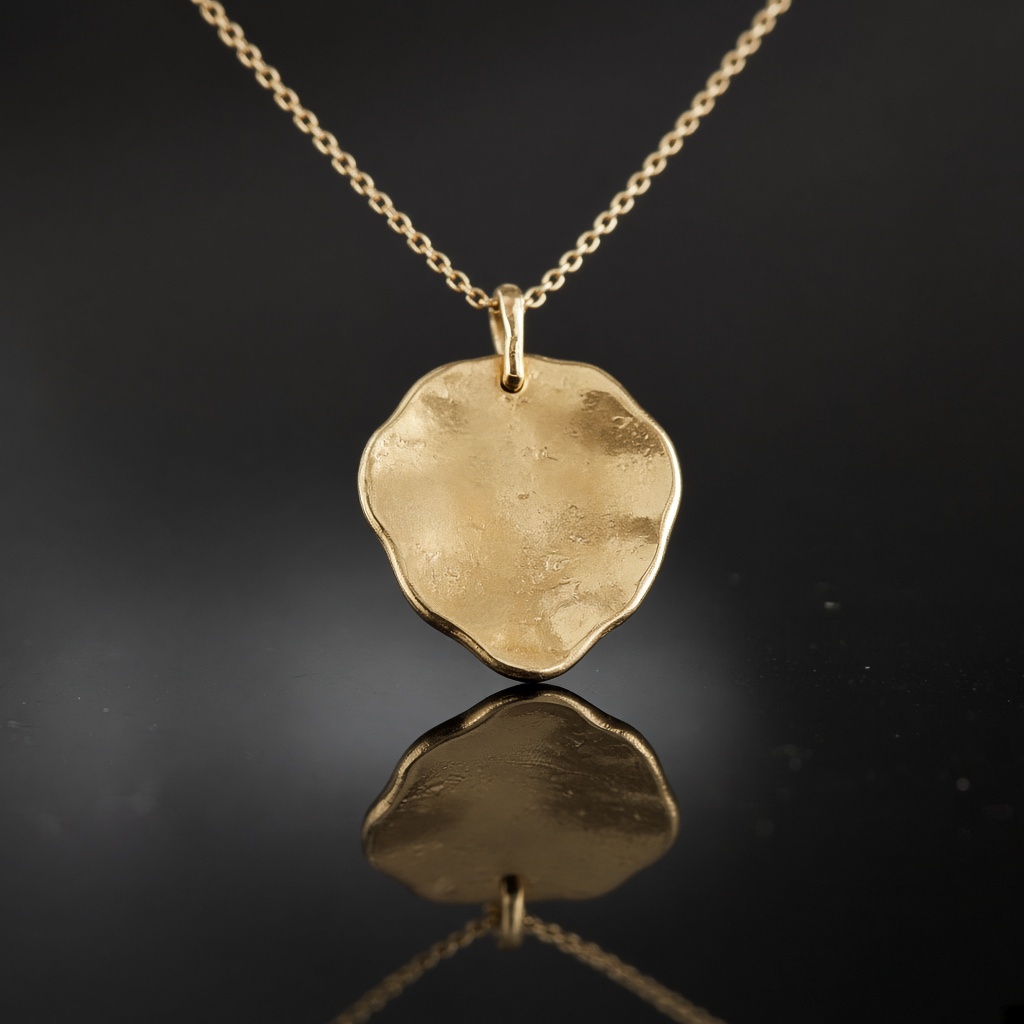
Jewellery is the hardest category on this site to photograph and the least forgiving when you get it wrong.
Everything about it fights you. The piece is small, so the phone hunts for focus. The metal is reflective, so it mirrors your kitchen, your phone and the shape of your own hand holding it. The stone has depth that flat light kills entirely. And the finish — brushed, hammered, oxidised, polished — is the difference between two pieces at very different prices, and it is exactly what a bad photo flattens into the same grey.
Meanwhile a ring photographed badly does not look like a badly photographed ring. It looks cheap.
Why your photos are costing you sales
The usual workarounds all cost something. A window gives you good light for two hours a day and a blue cast for the rest. A phone macro mode gives you focus and a reflection of the lens in the metal. A white sheet of paper gives you a clean background and a grey, lifeless piece sitting on it.
The professional answer is a light tent, two lamps and a tripod, plus the hour it takes to set them up for a piece you might sell once.
The scenes that suit your work
A handful chosen for what you sell, out of the full library.
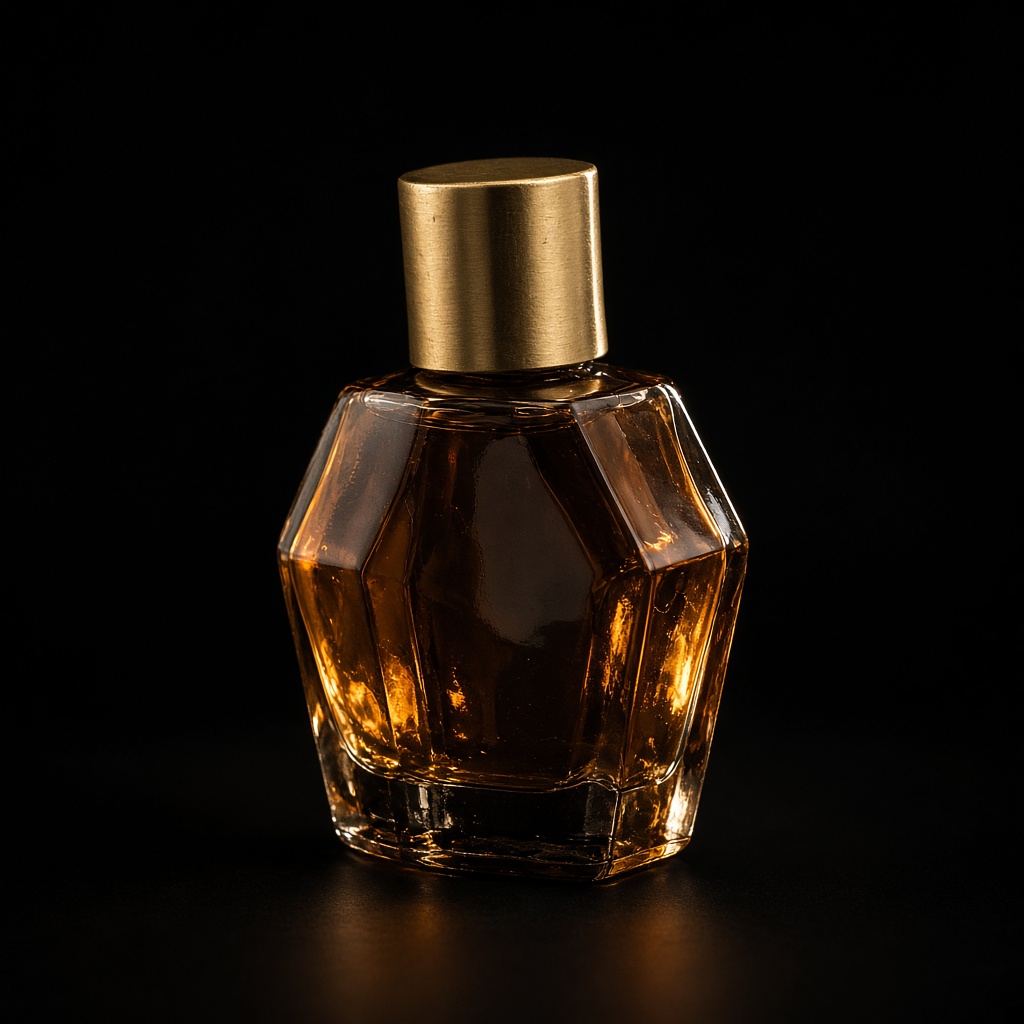

It has to still be your item
Stones and finishes are the product, and they are precisely what a model left unsupervised will improve without being asked. Brushed silver comes back as polished chrome. A rough-cut stone comes back flawless. An oxidised recess comes back bright. Each of those is a return with postage on it, and a review you will not enjoy.
Every request carries your photographs plus an explicit instruction to preserve material, surface texture and finish exactly as they appear. The setting and the lighting are the only things allowed to move.
- Black, mirrored and gradient backgrounds without a light tent or a tripod
- Brushed, hammered and oxidised finishes stay themselves instead of turning to chrome
- A hand for scale, so buyers stop asking how big it actually is
- Consistent presentation across a collection photographed over weeks
Three steps, about a minute
01
Upload your photos
Two or three angles on a phone is plenty. We cut the background automatically.
02
Pick your scenes
Tick as many as you like from 56 staged settings, or describe your own.
03
Get your shots
They arrive together in your gallery, ready to download for a listing or a post.
Questions people ask before they sign up
- Will it change my stones?
- No. Colour, cut and inclusions are preserved from your photographs. A model that improves a stone is producing a listing you cannot fulfil.
- My piece reflects my kitchen. Does that end up in the result?
- The background is removed from your photo before the scene is built, so the room behind the piece goes with it. Reflections sitting on the metal itself are part of the object, so shoot against something plain if you can.
- Does it work for pieces under a centimetre?
- Yes, though get as close as your phone will focus. The scale scenes — held in a hand, beside a familiar object — do more for tiny pieces than any amount of background.
- Can I show the same ring in several settings?
- That is the normal use. Pick several scenes in one go and they generate together, from the same photographs.
Written for your trade
Practical pieces about photographing what you sell, rather than general advice about cameras.
Photographing brushed, oxidised and polished finishes
Three finishes at three price points, and a flat photograph turns all of them into the same grey ring.
4 minute read
Showing scale so nobody asks how big it is
Measurements in the description are not enough. Buyers cannot picture eighteen millimetres, and the ones who guess wrong send it back.
4 minute read
Stopping your kitchen appearing in your rings
Polished metal is a mirror. Whatever is in front of it ends up in the photograph, and usually that is you holding a phone.
4 minute read
Also sells like you
Small, shiny, and impossible to photograph on a phone.
Start with 3 free images. No card, no account.
Try it free