Menus, boards and displays
Forty dishes photographed over three years, printed on one page.
A printed menu, a wall board or a window display puts every dish side by side, which is exactly where inconsistent photography falls apart.
Sized and staged for Google Business Profile · Instagram
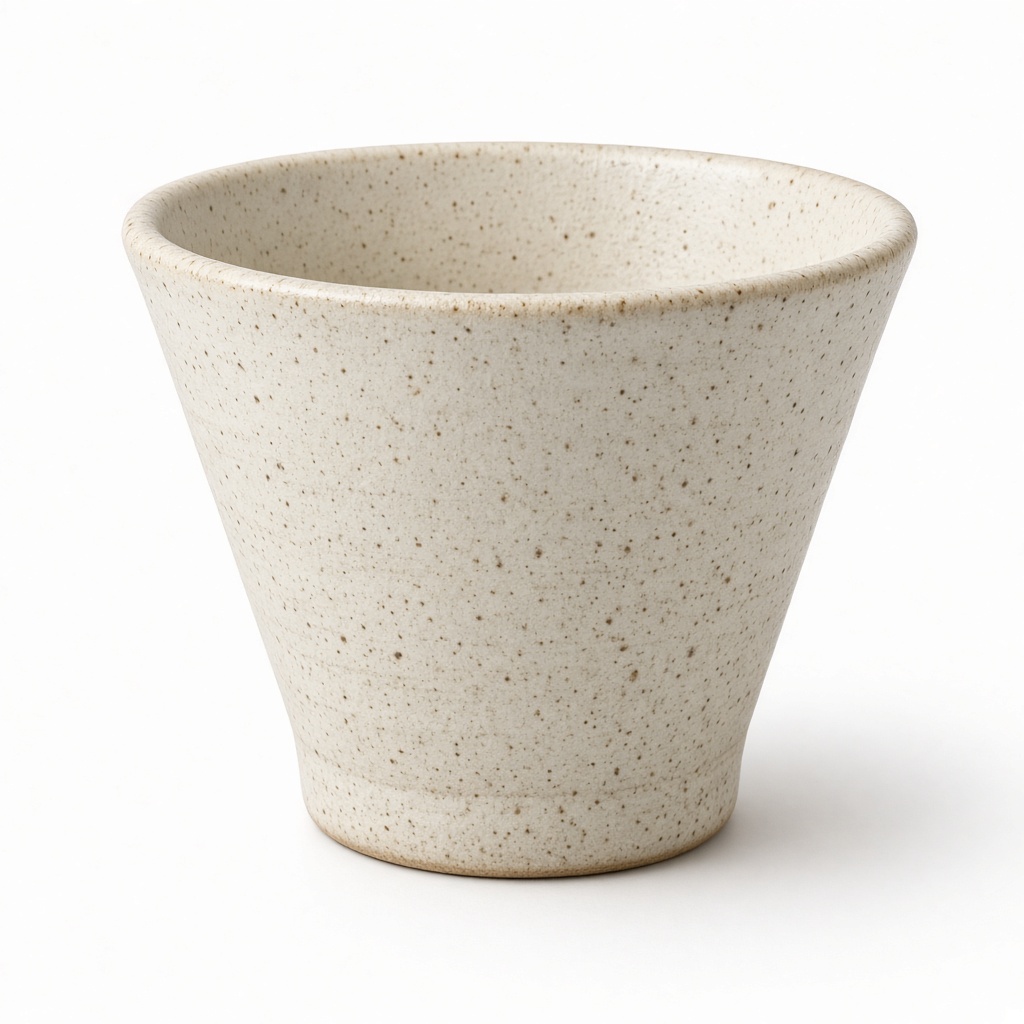
A delivery app shows one dish at a time, which forgives a lot. A printed menu, a lightbox above the counter or a window display does the opposite: it puts twelve photographs in a grid where every difference in angle, light and background is visible at once.
This is where most food photography quietly fails. Individually the pictures are acceptable. Together they look like they were collected rather than commissioned, because they were — over years, by whoever had a phone.
Why your photos are costing you sales
Print is unforgiving in a way screens are not. A photograph that looked fine on a phone at 400 pixels wide is visibly soft at A3 on a wall, and a colour cast that passed unnoticed online is obvious once it is next to eleven other dishes.
Reshooting the whole menu means closing for a day, or paying a food photographer for one, both of which are why the menu on the wall is four years old and still has the dish you took off in 2023.
The scenes that suit your work
A handful chosen for what you sell, out of the full library.
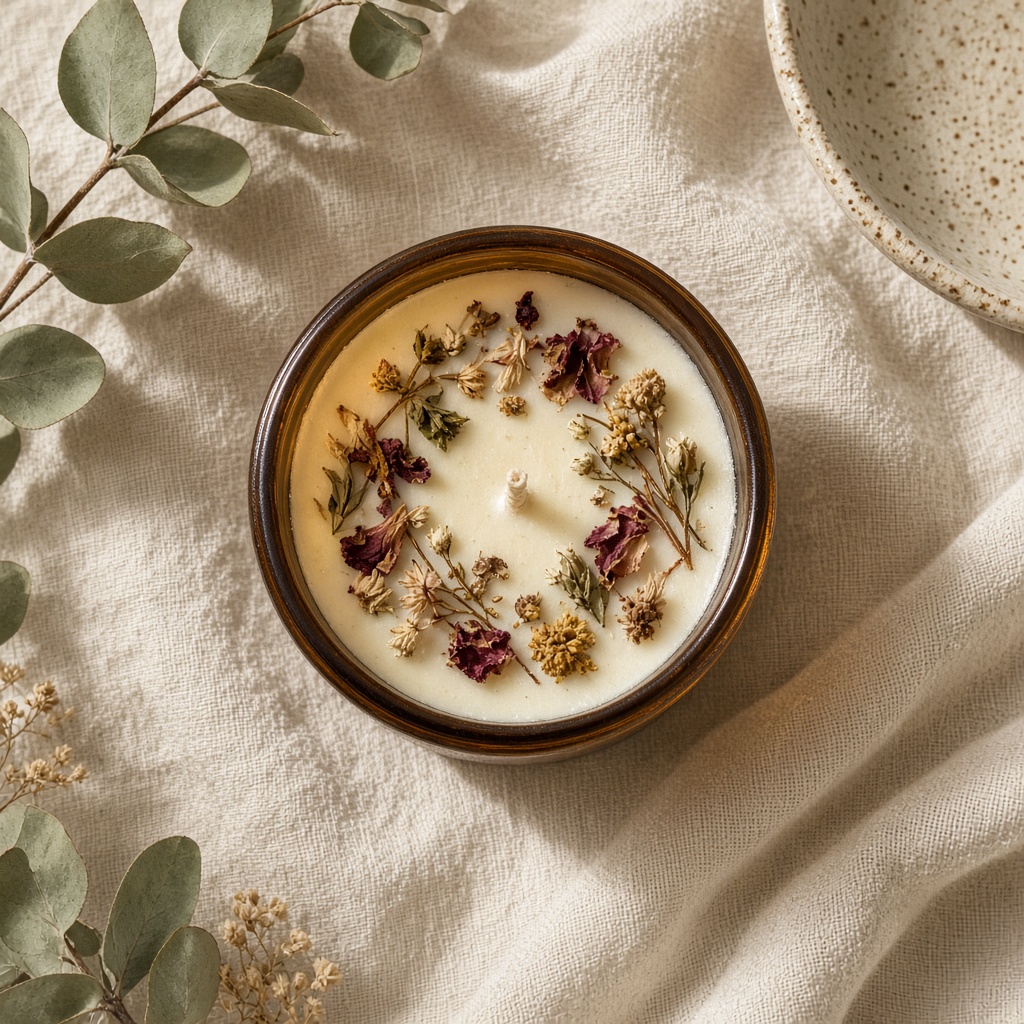
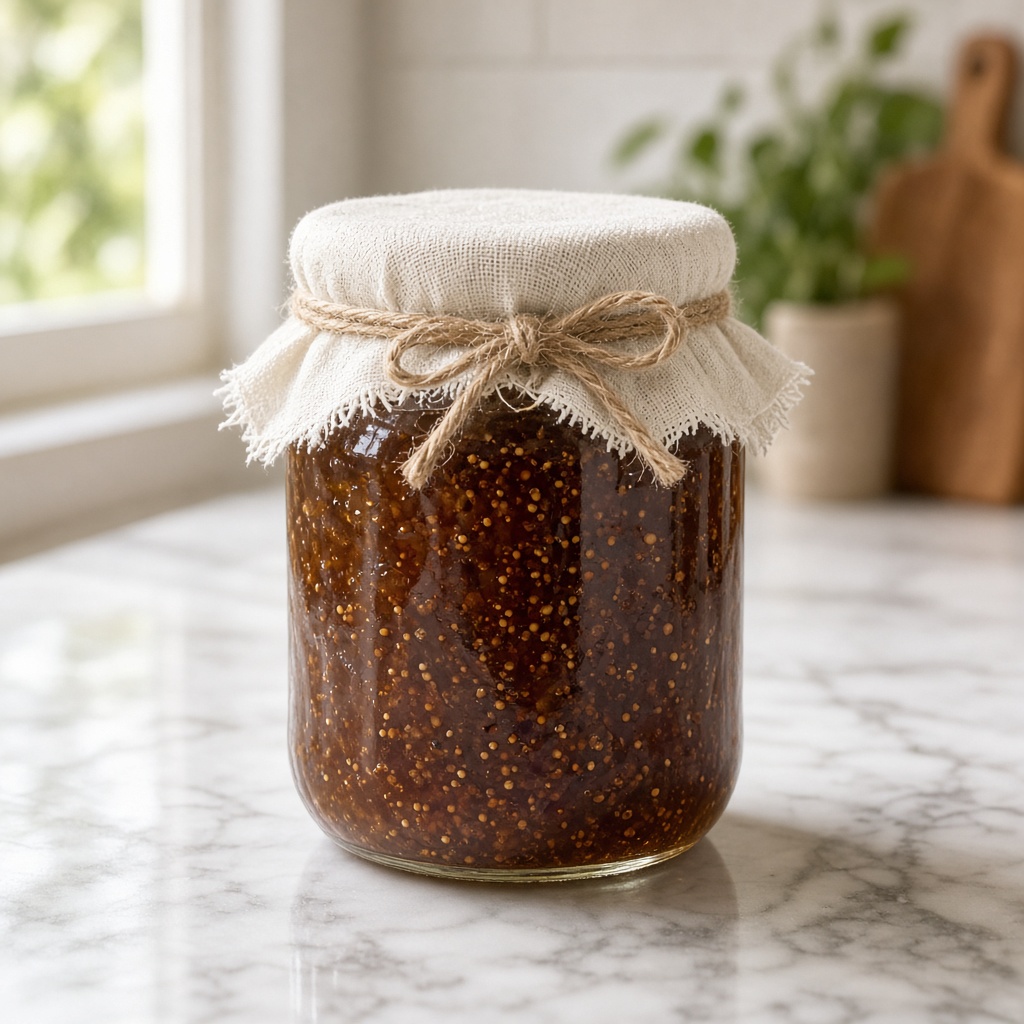
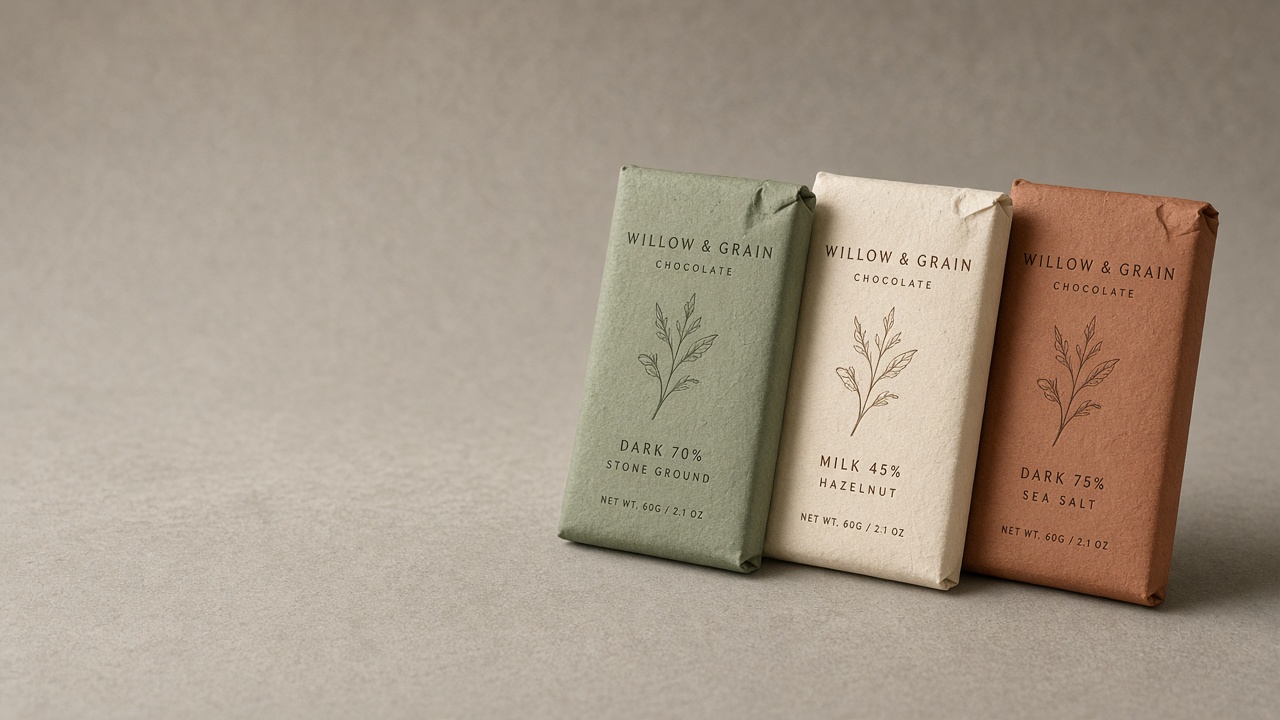
It has to still be your item
Every dish keeps its own plating, portion and components — nothing is invented onto a plate. What consistency means here is that the surface, the light and the angle become the same across the set, which is the part that was never consistent to begin with.
For print, use the upscale so the file holds up at poster size rather than looking soft the moment it leaves a screen.
- A whole menu that looks photographed in one sitting, whatever the truth is
- Print-resolution files for boards, posters and window displays
- Add one dish next month and it matches the other thirty-nine
- No closing for a day and no food photographer's invoice
Three steps, about a minute
01
Upload your photos
Two or three angles on a phone is plenty. We cut the background automatically.
02
Pick your scenes
Tick as many as you like from 56 staged settings, or describe your own.
03
Get your shots
They arrive together in your gallery, ready to download for a listing or a post.
Questions people ask before they sign up
- Are the files good enough for print?
- Generate at the higher resolution and use the upscale for anything going to poster or board size. Screen-resolution images are the usual reason a printed menu looks soft.
- How do I match a new dish to an old menu?
- Use the same scene the rest of the menu used. Because the scene is fixed, a dish added a year later still sits correctly beside the others.
- Can I photograph dishes across several days?
- Yes, and that is normal — photograph each as it comes up in service. The scene is what makes them look simultaneous.
- Does it work for drinks and desserts too?
- Yes. Anything you can put on a pass and photograph is treated the same way.
Written for your trade
Practical pieces about photographing what you sell, rather than general advice about cameras.
Photos for boards, windows and street displays
A window display is read from four metres away by someone walking past. Almost nothing about a good listing photo applies.
3 minute read
Adding one dish to a menu shot two years ago
The photographer came once, in 2023, and left. Now there is a new dish, and it has to sit next to the old ones without looking like an intruder.
3 minute read
When a menu photo has to go to print
A photo that looks fine on a phone can fall apart at A3 on matt stock. Print is a different set of requirements, and you find out at the printer.
4 minute read
Also sells like you
Forty dishes photographed over three years, printed on one page.
Start with 3 free images. No card, no account.
Try it free